
The answer challenges what most marketing teams assume about video production requirements. Browser-based editing platforms now handle everything from trimming raw footage to exporting polished content, without a single megabyte landing on your hard drive. The shift is measurable: SNS Insider‘s 2026 market analysis shows cloud-based video processing captured 58% market share in 2025, with the fastest growth projected through 2033. This isn’t experimental technology anymore—it’s the infrastructure powering how distributed teams produce content at scale.
Yes, professional video editing without installed software is not only possible but increasingly common. Browser-based platforms use cloud processing to deliver editing capabilities directly through your web browser, requiring only an internet connection. These tools are particularly effective for marketing videos, social media content, and team collaboration scenarios where speed and accessibility outweigh the need for advanced post-production techniques like complex color grading or multi-layer visual effects.
Yes, You Can Edit Professional Videos Without Installing Software
The technical foundation is straightforward: cloud servers handle the heavy computational work that used to require expensive local hardware. When you upload footage to a browser-based platform, the processing happens remotely on distributed infrastructure designed specifically for video encoding and rendering. Your browser becomes an interface, not a processor. This architecture shift means a five-year-old laptop can produce the same output quality as a high-end workstation, because neither machine is doing the actual rendering.
North America leads this adoption pattern, accounting for 49% of the global video processing platform market in 2025 according to the same SNS Insider research. The concentration reflects widespread enterprise recognition that cloud-based workflows eliminate IT friction—no software approval processes, no version compatibility issues across team members, no storage infrastructure planning. A marketing coordinator in Chicago can start editing immediately on the same project a designer in Seattle just uploaded, with zero installation overhead between the handoff.
Typical adoption scenario: A B2B SaaS company’s marketing team previously relied on a single team member who knew Adobe Premiere. That bottleneck meant video requests took 4-7 business days from brief to delivery. After switching to a browser-based platform, three team members with zero prior editing experience now produce weekly LinkedIn videos in under 90 minutes from concept to export. The transformation isn’t about technical capability—it’s about removing barriers to participation.
The quality question resolves quickly in real-world testing. Most online platforms export at 1080p HD as standard, with 4K available in higher subscription tiers. For content destined for social media, internal communications, or web embedding, this output matches or exceeds platform compression requirements. The limitation appears in advanced color science workflows or complex compositing—areas where desktop applications still maintain technical superiority through deeper codec control and GPU-accelerated plugins.
How Browser-Based Video Editing Actually Works
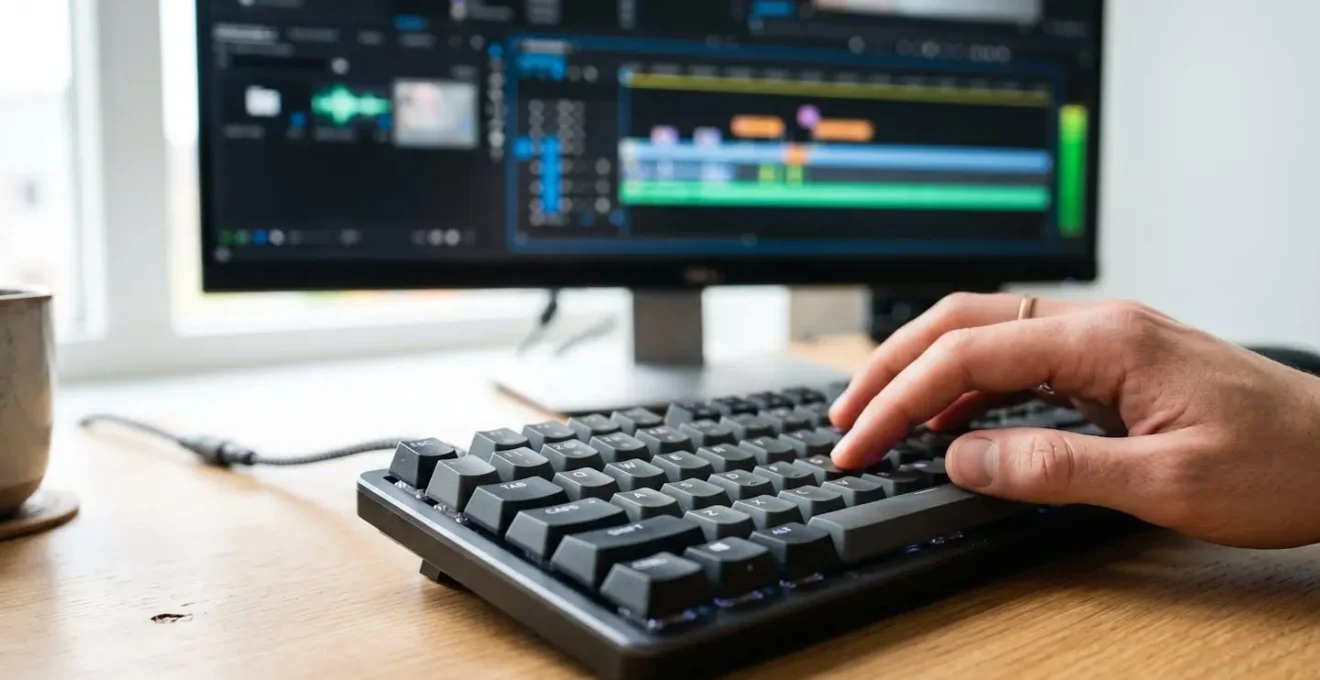
The architecture relies on three interconnected web technologies that matured between 2023-2026. The WebCodecs API, as documented by MDN Web Docs, enables browsers to encode and decode video using hardware acceleration with frame-level control—the same low-level access previously exclusive to installed applications. Simultaneously, the W3C‘s MediaStream Recording specification provides standardized methods for capturing and manipulating video streams directly in-browser, creating a complete editing environment without plugin dependencies.
In practice, browser-based solutions like the playplay.com platform demonstrate how trimming, resizing, and template-based editing workflows operate entirely through this web-native infrastructure. When you drag a clip’s endpoint to shorten duration, the interface sends precise timecode instructions to cloud encoding servers, which process the cut and return a preview stream in milliseconds. The actual video file never fully downloads to your device during editing—only the segments you’re actively viewing buffer locally, similar to how streaming video works on Netflix.
The workflow sequence follows a consistent pattern across platforms: Upload raw footage (2-5 minutes depending on file size and connection speed) → Edit using drag-and-drop timeline interface (15-30 minutes for standard marketing video) → Add templates, transitions, automated subtitles (10-15 minutes) → Export and download finished file (3-8 minutes). Total production time typically stays under one hour for videos between 60-180 seconds, compared to the 3-4 hour commitment traditional desktop workflows demand when factoring in software startup, project file management, and local rendering delays.
Technical Requirements for Smooth Online Editing: Recommended minimum is 25 Mbps upload speed, a modern browser (Chrome 100 or later, Firefox 95 or later, Safari 15 or later), and 8GB RAM for optimal performance. The upload speed matters more than download capacity because your raw footage travels to cloud servers before editing begins. Files upload and export proportionally faster with higher bandwidth—a 500MB clip that takes 3 minutes at 25 Mbps will transfer in under 90 seconds at 50 Mbps.
The W3C MediaStream Recording specification governs how these browser-based tools capture and process media, providing the standardized framework that ensures cross-browser compatibility. The specification explicitly designed the API to “make basic recording very simple, while still allowing for more complex use cases,” which translates to intuitive interfaces that non-technical users navigate successfully on first attempt, while still exposing advanced encoding options for teams with specific output requirements.
When Online Editing Is Enough (And When It’s Not)

The decision framework starts with content destination rather than technical capability. Social media platforms (LinkedIn, Instagram, YouTube Shorts, TikTok) compress uploaded videos to their own specifications regardless of source quality. A 4K export from Adobe Premiere gets reduced to the same bitrate as a 1080p export from a browser platform once it hits Instagram’s servers. For this use case—which represents the majority of B2B marketing video output—online editing matches desktop results in final delivered quality.
Internal communications and training videos follow similar logic. A 3-minute product demo embedded on a company website, or a quarterly update distributed through email, demands clarity and professional presentation but doesn’t require cinema-grade color accuracy or complex motion graphics. Browser-based platforms excel here because the collaboration features eliminate bottlenecks: multiple team members can review, comment, and approve within the same interface where editing happens, collapsing the traditional review cycle from days to hours.
| Criteria | Online Advantage | Desktop Advantage | Practical Impact |
|---|---|---|---|
| Setup time and accessibility | Instant access from any device, zero IT involvement | More powerful local processing once installed | Online wins for distributed teams and quick turnaround needs |
| Team collaboration | Real-time co-editing, built-in commenting, version control | Requires separate project file sharing and manual version tracking | Online eliminates email attachment chaos and conflicting edits |
| Advanced post-production | Sufficient for basic color correction and standard transitions | Professional-grade color wheels, scopes, LUT support, complex compositing | Desktop necessary for client deliverables requiring precise color matching |
| Cost over 3 years | Predictable monthly cost, includes updates and storage | Higher upfront cost but no recurring fees (perpetual licenses) | Total cost of ownership depends on team size and usage frequency |
| Learning curve | Template-driven workflows, intuitive drag-and-drop, team members productive in under 2 hours | Professional tools require 20-40 hours training for basic competency | Online democratizes video creation across teams with varying skill levels |
The limitations emerge clearly in scenarios requiring deep technical control. A corporate video destined for conference projection needs precise color calibration to match brand guidelines under specific lighting conditions—work that demands professional color scopes and granular adjustment curves unavailable in browser tools. Similarly, projects involving complex multi-track audio mixing (dialogue, music, sound effects, ambient noise across 8+ tracks) exceed what current online platforms support, though basic two-track audio editing (voiceover plus background music) works fine. Similarly, projects requiring strict technical deliverables—such as broadcast masters conforming to specific codec requirements (ProRes 422 HQ, DNxHD) or cinema DCP packages—demand the granular export controls that remain desktop-exclusive territory for now.
- Primary purpose: Social media and marketing content
Online platforms are sufficient and often superior due to built-in social media export presets, collaboration features, and template libraries designed specifically for these formats.
- Primary purpose: Client deliverables requiring advanced color grading
Desktop applications remain necessary for professional color correction work, LUT application, and deliverables with strict technical specifications (broadcast standards, cinema DCP).
- Primary purpose: Internal team communications and training videos
Online editing is ideal—the collaboration and quick turnaround capabilities outweigh any technical limitations for this use case.
- Primary purpose: Long-form documentary or film production
Desktop platforms provide essential tools for managing hours of footage, complex timeline organization, and advanced audio post-production that browser-based tools cannot yet replicate.
What to Look for in an Online Video Editing Platform
Platform evaluation begins with output quality verification, not feature checklists. Request sample exports at your intended resolution (1080p minimum for professional use) and inspect them on the actual devices where your audience will view the content. Compression artifacts that seem minor on a desktop monitor become distractingly visible on mobile screens, where most social media consumption happens. Platforms optimized for web delivery often produce cleaner mobile-friendly files than those simply offering high resolution numbers without optimization.
Template library depth matters more than breadth. A platform offering 500 generic templates provides less practical value than one with 50 templates specifically designed for your industry and content type. Look for customization depth—can you save your brand colors, fonts, and logo as a persistent kit that auto-applies to new projects, or does each video require manual brand element insertion? The difference compounds across dozens of videos, turning a 45-minute production into either a 30-minute routine or a 75-minute frustration.
- Export quality options: 1080p minimum with platform-specific presets (LinkedIn, Instagram, YouTube) that optimize file size without quality loss
- Template library: Industry-specific templates with deep customization and brand kit functionality that persists across projects
- Collaboration features: Real-time co-editing, threaded comments on specific timeline moments, approval workflow automation
- Storage limits and file size caps: Understand both per-file upload limits and total storage allocation across pricing tiers
- Learning resources: Video tutorials, searchable help documentation, and responsive support—test response time before committing
- Pricing transparency: Clear tier distinctions with export watermark policies, cancellation terms, and data retention guarantees explicitly stated
Data ownership and export flexibility deserve scrutiny that most teams skip during initial evaluation. Verify whether you can download raw project files (not just finished exports) in a format that another platform could import if you eventually migrate. Some platforms lock projects in proprietary formats, creating vendor dependency that becomes expensive to escape. Similarly, understand content retention policies—how long does the platform store your uploaded footage after subscription cancellation, and can you bulk-download your entire asset library if needed?
The browser-based editing question resolves not to “whether it’s possible” but “whether it fits your specific workflow reality.” For the majority of marketing teams producing social content, internal communications, and web videos, the answer is unequivocally yes—with measurable advantages in collaboration speed and team accessibility that desktop workflows cannot match. The limitations exist and matter, but they affect a minority of professional use cases rather than defining the category’s viability.